
How to White Label an SEO Report: A Seven-Step Client Workflow
Key Takeaways
- Check branding permissions and exact client-facing surfaces before editing a report.
- Preserve source evidence, scope and dates when adding agency priorities and client actions.
- Use a stable report version and verify the PDF matches the hosted snapshot.
- A report link does not have to be a custom domain or a live dashboard; describe the actual delivery model.
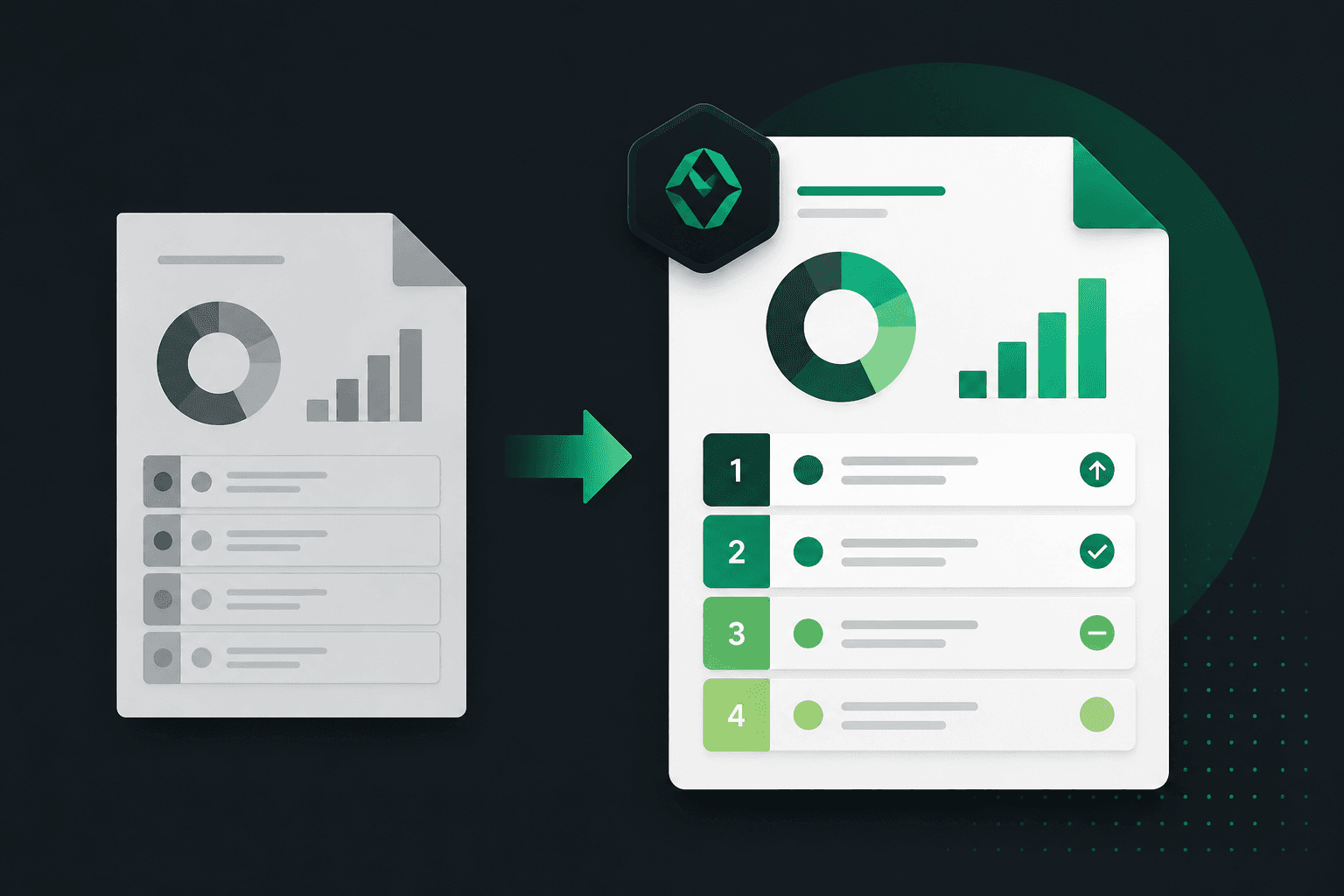
To white label an SEO report, make the agency's role clear while retaining the evidence behind the assessment. Branding helps the client recognize the document. Scope, priorities and a named next action make it usable.
This workflow is for a reviewed website-audit deliverable. A recurring dashboard combining Search Console, analytics and advertising data needs a separate source and freshness design; see automated SEO reporting.
Step 1: Confirm the right to rebrand
Review the vendor's license and the plan's branding entitlement. Do not assume all free tools prohibit rebranding or all paid tools allow it. Check logo replacement, attribution requirements, exports and redistribution directly. The client's agreement may also require disclosure of third-party tools or subcontractors.
Step 2: Identify every client-facing surface
List the report cover, body, footer, PDF properties, hosted address, sharing screen, email sender and client login if used. Mark each as agency-branded, co-branded, vendor-branded or outside scope. A custom domain is a distinct entitlement, not an automatic consequence of replacing a logo.
Use the complete illustrative report, matching PDF and branding preview to inspect the difference between appearance and a complete deliverable.
Step 3: Lock the audit scope and evidence
Record the audit date, captured URLs, checks run and collection conditions. Keep analyzed, failed and not checked distinct. When adding a client summary, do not delete caveats or convert unknown pages into passes. Store the source report and identify the version used to prepare the client document.
Step 4: Add the agency's interpretation
Write the executive summary for the client decision. Separate an observed issue from your judgment about priority. A missing viewport observed in captured HTML is evidence; whether to fix that page this sprint is an agency and client decision informed by the page's role.
Document the reason for priority and cite separate client data if it changes the order. Do not translate severity into a promised traffic loss or revenue gain. If you lack the needed business evidence, say which input is required.
Step 5: Assign actions and approval
For each selected finding, supply a proposed change, owner, prerequisite access, effort estimate with its source, approval status, target date and acceptance check. Suggested code needs review for the actual CMS and intended behavior. A generated snippet is not an authorized deployment.
The editable blank report includes these fields. The client-presentation guide turns the action table into a meeting agenda.
Step 6: Review the hosted report and PDF together
Compare scope counts, audit and report dates, finding IDs, evidence, priorities, actions and exclusions. Test legibility and navigation as the recipient. Confirm no other client's information appears. Retain a stable version identifier so a forwarded PDF can be traced to the corresponding report.
A hosted report can be an immutable snapshot or a changing dashboard. Explain which it is. For an immutable snapshot, publish a new version after a later audit and retain its dates; do not imply the old link silently updates. MendMySEO's example demonstrates an immutable report and matching PDF, with current access described on the tool page.
Step 7: Carry forward verified status
Re-check approved work using comparable rules and evidence. Retain open findings with their blocker or deferral reason. Keep not checked and unknown visible when the relevant URL or measurement is unavailable. A score delta should be shown only when scope and scoring methods are comparable; it is not a business outcome.
What the MendMySEO example actually covers
The current audit assesses Technical and On-Page dimensions using six deterministic rule families: homepage HTTPS; viewport presence on analyzed pages; a non-empty title on analyzed pages; and, when measurements are available, homepage mobile Lighthouse performance below 50, LCP above 4 seconds, and CLS above 0.25. The three Lighthouse checks are lab diagnostics from one run. They are not field Core Web Vitals or a prediction of rankings.
The audit samples up to 10 pages. The public sample is explicitly illustrative: 12 discovered, 10 analyzed, 0 failed, 2 not checked, with an illustrative assessed-scope score of 81. Ten analyzed pages do not mean the entire website passed; the two unchecked pages remain unknown. A missing Lighthouse measurement is not a passing measurement.
Canonical checks, title length or site-wide uniqueness, heading completeness, structured-data validation, backlinks, keyword rankings, recurring multi-source dashboards, and AI citation monitoring are outside this six-rule assessment. If your engagement needs them, add separately collected evidence and name its source. MendMySEO does not currently offer custom report domains or an embeddable lead-audit widget. See the tool page for current availability and supported delivery.
Frequently Asked Questions
How long should white labeling take?
Measure setup, evidence review, interpretation, formatting and corrections in your own workflow. A reusable template may reduce formatting, but no universal minutes-per-report target establishes quality.
Do I have to name the software vendor?
Check the license and client agreement. Preserve required attribution and do not imply your agency built a scanner or measured an outcome it did not.
Which report format should I send?
Choose what the recipient can use and archive. A hosted snapshot with a matching PDF can support review and forwarding; a live dashboard has different update and access behavior.
Can I white label a free tool report?
It depends on the license and permitted redistribution. Verify the specific tool and plan rather than assuming a universal rule.
Inspect the report before choosing
Open the complete illustrative client report, download its matching sample PDF, or try the branding preview. These examples use fictional data; they do not crawl your website or demonstrate a customer result. Check current access and pricing before planning client delivery.