
What Is JSON-LD? The Structured Data Format Google Recommends
Key Takeaways
- JSON-LD is a structured data format that lives in a standalone
<script>block — completely separate from your page HTML - Google explicitly recommends JSON-LD over Microdata and RDFa for most schema types
- @id identifies a JSON-LD node, while
urlandsameAsdescribe its website and identity references - Keeping JSON-LD separate from visible elements can simplify maintenance, but template or deployment changes can still remove or stale the block
Imagine a product template whose Microdata is attached to headings, prices, and availability elements. A redesign that replaces those elements can also remove the inline attributes. A separate JSON-LD block reduces that coupling, although it still needs tests because a template or deployment can remove or stale any markup.
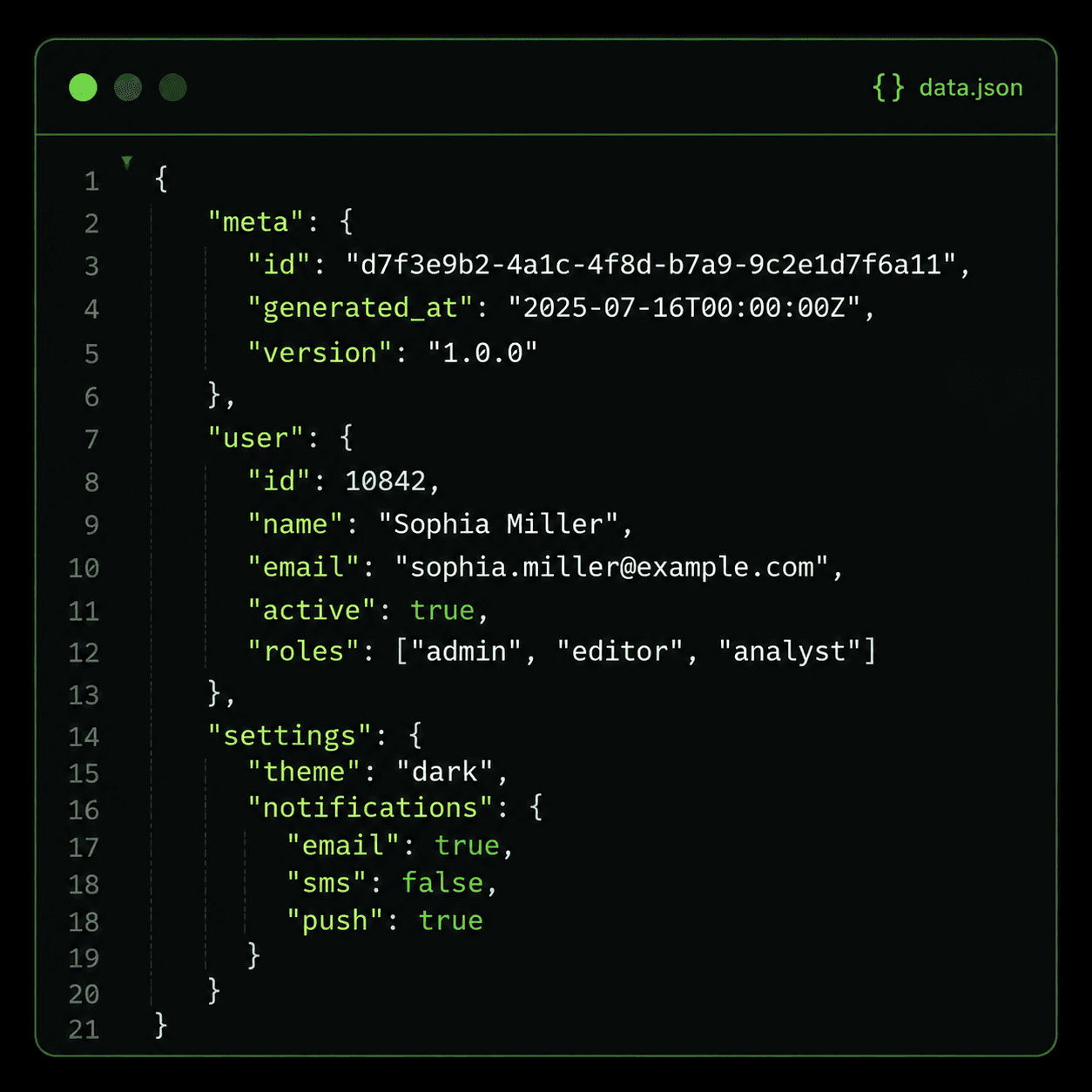
JSON-LD (JavaScript Object Notation for Linked Data) expresses structured data in a standalone <script type="application/ld+json"> block instead of attaching attributes to visible elements. The block can sit in the page's <head> or <body>. Google Search Central recommends JSON-LD where supported because it is generally easier to implement and maintain at scale.
JSON-LD Keeps Structured Data Separate From Your HTML
Structured data tells search engines what a page represents in machine-readable terms: this page describes a LocalBusiness at 123 Main St with a 4.8-star rating. Before JSON-LD, the only way to communicate this was Microdata — adding itemscope, itemtype, and itemprop attributes directly onto existing HTML elements. Every piece of data had to be attached to a visible element on the page.
Microdata weaves schema attributes into your presentation layer:
<!-- Microdata: coupled to HTML structure -->
<div itemscope itemtype="https://schema.org/LocalBusiness">
  <h1 itemprop="name">Sunrise Bakery</h1>
  <p itemprop="address" itemscope
     itemtype="https://schema.org/PostalAddress">
    <span itemprop="streetAddress">123 Main St</span>,
    <span itemprop="addressLocality">Portland</span>
  </p>
</div>
JSON-LD expresses the same information as a self-contained block. No attributes on HTML elements. No coupling between data and presentation:
<script type="application/ld+json">
{
  "@context": "https://schema.org",
  "@type": "LocalBusiness",
  "name": "Sunrise Bakery",
  "address": {
    "@type": "PostalAddress",
    "streetAddress": "123 Main St",
    "addressLocality": "Portland"
  }
}
</script>
If a redesign replaces elements carrying Microdata, their itemprop attributes disappear with them. A separately managed JSON-LD block may avoid that specific failure mode. On a templated site, the team can often update one structured-data component or server-side injection point, then test that the visible content and markup still agree.
This separation also gives teams more implementation options. A CMS component or server-side renderer can generate JSON-LD without adding attributes to each visible element. Whatever the delivery method, the markup must describe content that users can actually see, and deployment should be verified in the rendered page rather than assumed from configuration.
Missing JSON-LD Organization Schema
No Organization structured data was observed on the sampled page. Add it only when it accurately describes the visible organization; its presence does not guarantee a Knowledge Panel or ranking change.
Paste-ready fix
<script type="application/ld+json">
{ "@context": "https://schema.org",
  "@type": "Organization",
  "@id": "https://example.com/#org",
  "name": "Your Business",
  "url": "https://example.com",
  "logo": "https://example.com/logo.png" }
</script>
Illustrative finding: validate the exact type and properties against the applicable Search documentation. See the static sample →
Why Google Recommends JSON-LD Over Microdata and RDFa
Google Search Central states it directly: "Google recommends using JSON-LD for structured data whenever possible." Three technical properties drive the preference.
First, JSON-LD avoids Microdata's dependence on correct DOM nesting. Standard JSON tooling can catch syntax errors, while Google's Rich Results Test checks eligibility rules for supported Search features. Second, a standalone block is often easier to generate from shared data and test independently. Format validity is only one gate: Google also requires the markup to match visible content and does not guarantee that an eligible rich result will appear.
| Feature | JSON-LD | Microdata | RDFa |
|---|---|---|---|
| Where it lives | Standalone <script> block | Inline attributes on HTML elements | Inline attributes on HTML elements |
| Redesign coupling | Separate block, but still requires deployment tests | Attributes move with visible elements | Attributes move with visible elements |
| Typical generation | Shared component or server-side output | Rendered with the element | Rendered with the element |
| Graph identifiers | Native JSON-LD @id | Uses its own item identifiers | Uses RDFa resource identifiers |
| Google preference | Recommended | Supported, not preferred | Supported, not preferred |
| Nesting error risk | Low — JSON validators catch errors | High — tied to DOM structure | High — tied to DOM structure |
RDFa deserves a brief mention. It functions like Microdata — inline attributes on HTML elements — but uses a different vocabulary (typeof, property instead of itemscope, itemprop). It shares the same fragility: any HTML change can break the data. RDFa is still supported by Google but sees declining adoption. The practical choice in 2026 is between JSON-LD and Microdata, and the evidence points clearly toward JSON-LD.
Entity Linking With @id and sameAs
JSON-LD can link nodes with @id, an identifier that other nodes can reference by URI. This makes relationships explicit inside the graph you publish. It does not prove how Google consolidates those nodes internally or that any Search feature will result.
Consider a business website. The homepage defines an Organization, while product pages identify the manufacturer. Reusing one stable @id gives those JSON-LD nodes an explicit common identifier instead of repeating the full organization description in every block.
With @id, the connection is explicit:
<!-- Homepage: define the Organization -->
<script type="application/ld+json">
{
  "@context": "https://schema.org",
  "@type": "Organization",
  "@id": "https://example.com/#org",
  "name": "Sunrise Bakery",
  "sameAs": [
    "https://www.linkedin.com/company/sunrise-bakery",
    "https://www.facebook.com/sunrisebakery"
  ]
}
</script>

<!-- Product page: reference the Organization -->
<script type="application/ld+json">
{
  "@context": "https://schema.org",
  "@type": "Product",
  "name": "Sourdough Loaf",
  "manufacturer": { "@id": "https://example.com/#org" }
}
</script>
The Product page's manufacturer field references the Organization's @id URI. The sameAs property can point to pages that unambiguously describe the same organization. These properties make the publisher's graph clearer; they do not guarantee a Knowledge Panel, ranking, AI mention, or citation.
If the same Organization is repeated across templates, a stable identifier can reduce inconsistent duplication in your own markup. Treat that as data modeling and maintenance hygiene. Measure Search appearance and answer-engine citations separately instead of attributing either outcome to @id or sameAs.
The illustrative MendMySEO demo may show JSON-LD findings, but it is not an every-page or production-availability claim. Review the current release status.
Frequently Asked Questions
Does JSON-LD slow down page load?
A JSON-LD block is data rather than executable JavaScript, but it still adds bytes to the document. Small blocks are usually minor compared with images and scripts; measure the actual page if performance is material instead of relying on a universal size or impact claim.
Can I use JSON-LD and Microdata on the same page?
Yes. Google can process both formats simultaneously. However, describing the same entity in both formats creates redundancy and increases the risk of conflicting data. Pick one format per entity type — and Google recommends JSON-LD.
Where should I place the JSON-LD script tag?
Google can process JSON-LD in both <head> and <body>. Choose a placement your templates can render reliably, then validate the deployed page. Dynamically injected markup still has to be present when processed and match visible content.
How do I validate JSON-LD markup?
Use Google's Rich Results Test to check if your markup qualifies for rich results. Use Schema.org's Markup Validator for syntax and vocabulary validation. Both are free and return errors immediately.
Does JSON-LD affect AI search visibility?
No documented rule makes JSON-LD a requirement or ranking factor for AI citations. Use JSON-LD to describe visible page entities and qualify for supported Search features where applicable. Google states that AI Overviews and AI Mode require no special schema; measure mentions and citations separately.