
What Is NAP in SEO? Why Your Business Info Must Match Everywhere
Key Takeaways
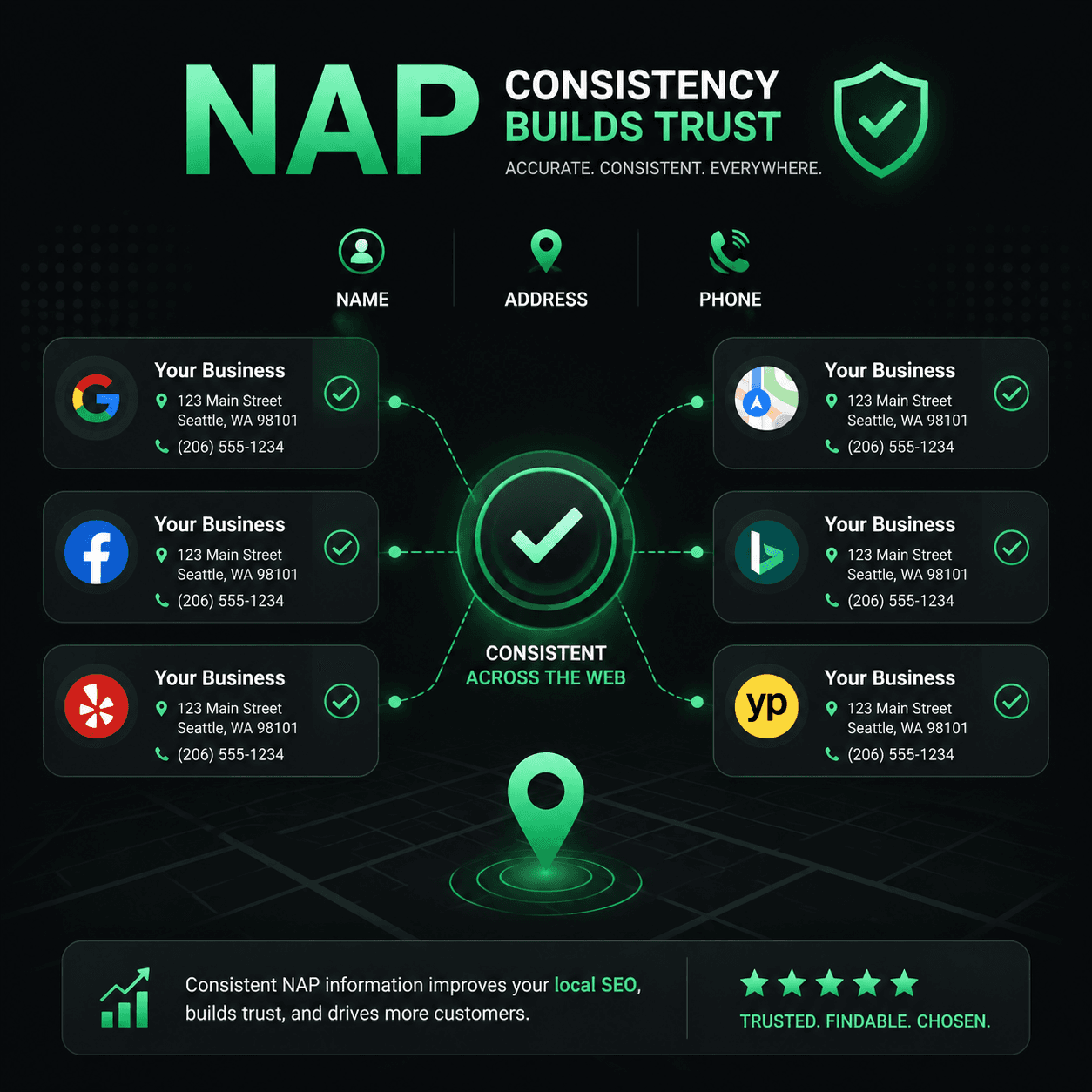
- NAP stands for Name, Address, and Phone number—the contact facts people use to identify and reach a local business
- Keep material facts accurate across your website, Business Profile, and important listings
- “Main St” versus “Main Street” is usually a formatting variant; a wrong address or old phone number is a real conflict
- Structured data must match visible page content and does not override other sources or guarantee rankings
Suppose a dentist changes phone providers and updates the website but leaves an old number on several profiles. Prospective patients may call a disconnected line, and staff may not know which listings still need correction. That is a concrete business-data problem without attributing a local ranking change to one undocumented mechanism.
NAP in SEO stands for Name, Address, and Phone number. These facts appear on websites, business profiles, maps, and directories. Keeping them current helps users reach the business and gives platforms accurate source data. Consumer survey findings about incorrect contact details should not be restated as proof of Google's ranking algorithm.
Audit the Sources Users Actually Encounter
Start with sources the business controls or can verify: the website, Google Business Profile, Apple Business Connect, Bing Places, major social profiles, and relevant industry directories. Record which sources were actually checked; a website crawler alone cannot prove what every external platform currently displays.
Compare material facts and correct stale records. Third-party ranking-factor surveys can describe practitioner opinions or correlations, but they do not establish an exact causal weight for NAP consistency in the local pack.
The practical risk is straightforward: an incorrect address can send a customer to the wrong location, and an obsolete phone number can lose a call. Those outcomes are directly observable and do not need a disputed industry statistic.
Separate Formatting Variants From Factual Conflicts
Exact strings can differ while the underlying fact remains the same. Normalize common street suffixes and phone punctuation before escalating. Conversely, a former brand name, another street address, or different phone digits may require correction even if the strings look similar.
Google does not publish a rule that every formatting difference creates another Knowledge Graph entity. A defensible audit reports the observed values, normalization used, and whether the difference is material or still uncertain.
| Difference type | Example | Audit treatment |
|---|---|---|
| Name variation | "Sunrise Dental" vs "Sunrise Dental Care" | Verify DBA and visible branding |
| Address abbreviation | "123 Main St" vs "123 Main Street" | Normalize; likely the same address |
| Suite/unit format | "Suite 200" vs "Ste. 200" vs "#200" | Normalize; verify the unit number |
| Phone format | "(303) 555-0147" vs "303-555-0147" | Compare normalized digits |
| Old phone number | Updated on website, unchanged on a profile | Material conflict; correct the stale source |
| DBA vs legal name | "Sunrise Dental" vs "Sunrise Dental Group LLC" | Document the relationship; do not assume separate entities |
Maintain one verified business record and update the sources you control from it. Consistent formatting can reduce operational errors, but the audit priority is factual accuracy rather than identical punctuation on every platform.
NAP Mismatch: structured data vs visible page
In this illustrative example, JSON-LD shows "123 Main St" while the visible contact page shows "987 Oak Avenue." Verify the correct location and update the stale value.
Paste-ready fix
"address": {
  "@type": "PostalAddress",
  "streetAddress": "987 Oak Avenue",
  "addressLocality": "Denver",
  "addressRegion": "CO",
  "postalCode": "80203"
}
Illustrative static finding from page evidence; it does not access live Business Profile or directory data. See the sample →
Schema Markup Must Match Visible Page Content
Your website's JSON-LD is a source you control. Google's guidelines require structured data to represent visible page content, so the marked-up name, address, and phone number should agree with what users see.
This does not create a character-for-character rule between JSON-LD and Business Profile formatting. It means both should describe the same real-world business and current location, with platform-specific formatting handled appropriately.
A correctly structured LocalBusiness JSON-LD block with consistent NAP:
<script type="application/ld+json">
{
  "@context": "https://schema.org",
  "@type": "LocalBusiness",
  "@id": "https://sunrisedental.com/#business",
  "name": "Sunrise Dental",
  "address": {
    "@type": "PostalAddress",
    "streetAddress": "123 Main Street",
    "addressLocality": "Denver",
    "addressRegion": "CO",
    "postalCode": "80203",
    "addressCountry": "US"
  },
  "telephone": "+1-303-555-0147",
  "url": "https://sunrisedental.com",
  "sameAs": [
    "https://www.yelp.com/biz/sunrise-dental-denver",
    "https://www.facebook.com/sunrisedental"
  ]
}
</script>
In this example, the telephone value includes a country code, @id gives the node a stable identifier, and sameAs points to pages about the same business. None of these properties guarantees a local ranking, Knowledge Panel, or AI citation.
When you update a phone number, move offices, or rebrand, coordinate changes across the website, structured data, Business Profile, and important listings. Record sources that could not be updated or verified.
The illustrative MendMySEO demo does not establish live Google Business Profile/directory access, complete NAP coverage, or production availability. Review the current release status.
Frequently Asked Questions
Does NAP consistency matter if I do not have a physical storefront?
Keep the public name and phone accurate. For service-area businesses, follow each platform's rules about whether an address should be shown. Do not publish or mark up a customer-facing address that should remain hidden.
Should I use my legal business name or my DBA name?
Use the real-world business name permitted by the relevant platform and explain a DBA/legal-name relationship where necessary. Do not alter regulated or legal information merely to force one string everywhere.
How do I audit my NAP across all directories?
Start with the profiles customers actually use and the industry sources relevant to the business. Compare normalized facts, record the source URL and date checked, and correct materially stale values. Tool coverage varies, so verify its current directory list before relying on a count.
Is it better to have no listing than an inconsistent listing?
Not necessarily. First use the directory's correction or claim process. Some listings cannot be removed, and Google does not expose an “entity confidence score” that proves deletion is better. Focus on correcting sources that users encounter.
How often should I check NAP consistency?
Quarterly at minimum. Check immediately after any change to your business name, address, phone number, or website URL. Also check after directory platforms update their interfaces — platform migrations sometimes reset or reformat your data without notification. Set a calendar reminder and treat it as routine maintenance, not a one-time project.